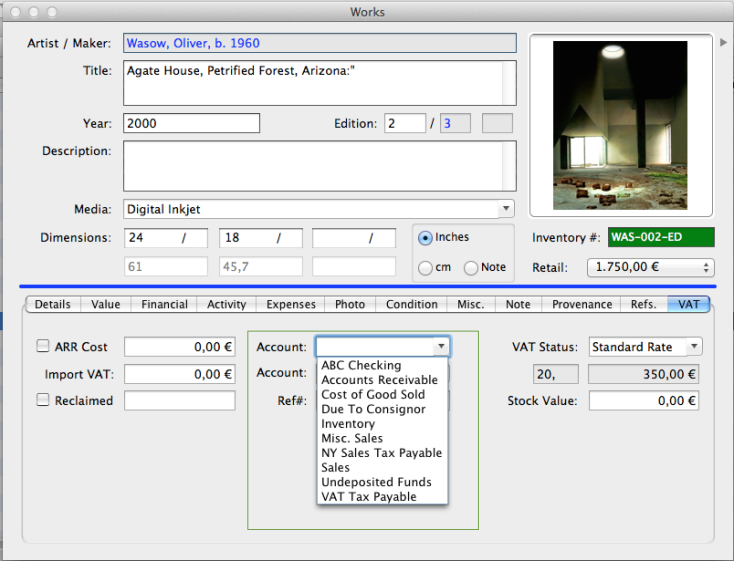
Select VAT Tax in Preferences to activate the VAT tab in the in the work-record which enables the Artsystems Pro user to select the applicable VAT status of the work such as Standard Rate VAT, Margin-Scheme VAT, Export VAT, and ARR accounting calculations and reporting.
Open the Work record and note the VAT tab now appears in the TAB Panel next to References.
Show Accounts enabled
When the Show Accounts is enabled ( see also Preferences) the Account fields appear in the following locations: